
用 Claude 自动化你的整个工作流:10 个复制即用提示词
Claude for Chrome 是能看标签页、点击、填表、提取登录后数据的浏览器 Agent。这里翻译整理 10 个可复制工作流提示词。
来源链接: X - The Whizz AI
如何用 Claude 自动化你的整个工作流:10 个复制即用提示词。
你一天要切换标签页 47 次。
打开数据分析,复制数字,粘到文档里。打开 Gmail,搜索某个邮件线程。打开日历,查看会议议程。再回到 Gmail 。
清洗、重复,一个上午就过去了。
这更像是在管理工作,真正推进工作的时间反而被挤掉了。
问题出在工作被拆成了 3 份:真正的工作、工作的后勤、工作的标签页管理。 Claude for Chrome 直接干掉了后两份。
Claude for Chrome 改变了这一点。它带来的改变很具体:这部分操作会被实实在在减少。
我花了两周时间,测试了能想到的各种工作流:数据分析、收件箱、竞品研究、内容创作、客户管理,几乎全试了一遍。有些自动化流程很明显,有些则改变了我对浏览器的理解。
首先:Claude for Chrome 到底是什么
它是浏览器 Agent,而非侧边栏聊天框。很多人会先误解这一点。
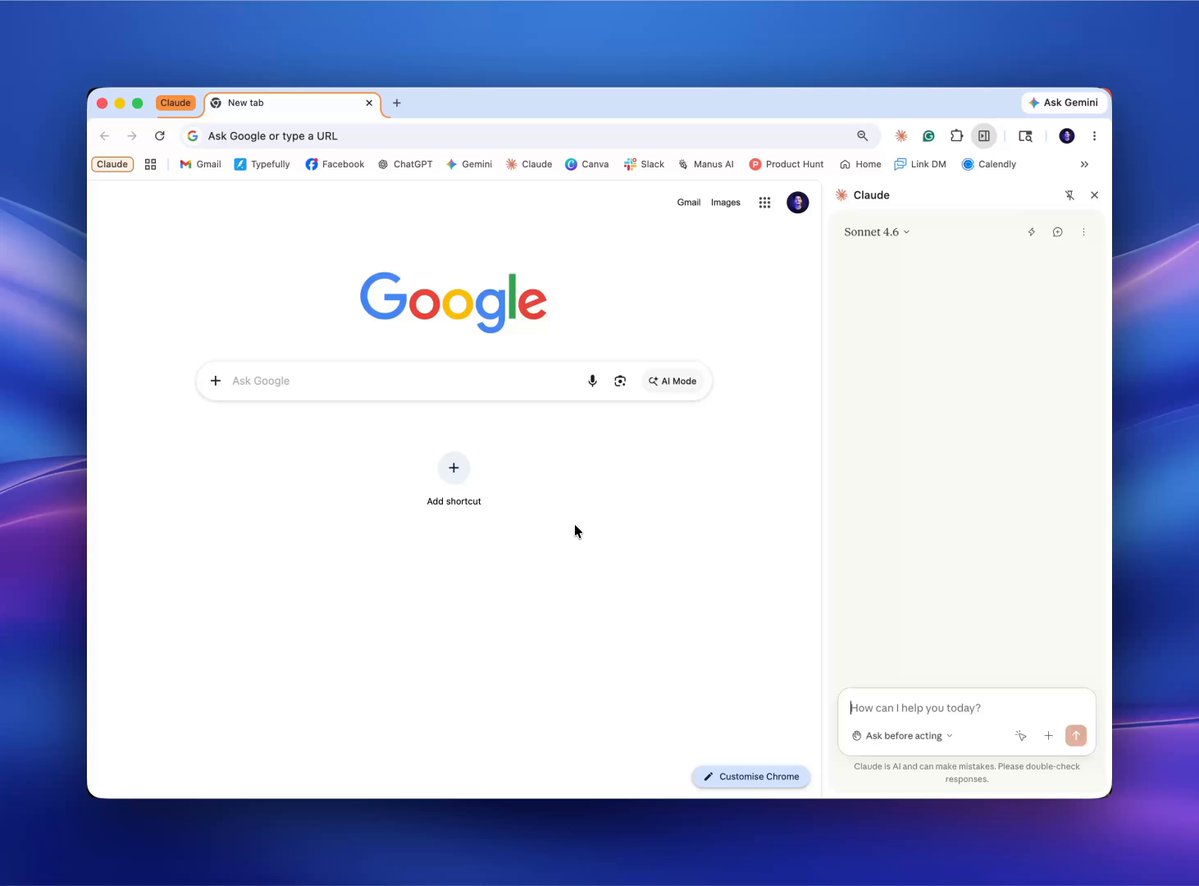
Claude for Chrome 是一个浏览器 Agent 。它能看见你的标签页,点击按钮,填写表单,滚动页面,从登录后的页面提取数据,在不同网站之间导航。现在,它还能调度重复任务。
旧方式是:登录 → 手动抓数据 → 复制 → 粘贴 → 排版 → 总结 → 分享。
新方式是:打开标签页 → 描述你想要什么 → Claude 执行 → 你审核并批准。
运行之前,先看这里
有两个设置很重要。
第一,打开“Ask before acting”。每次 Claude 想点击东西、填写表单,或在新网站上执行操作时,它都会暂停并先问你。一定从这里开始。你仍然坐在驾驶位上。
第二,暂时不要在金融或银行类标签页里运行它。 Claude for Chrome 还处在 beta 阶段。 Anthropic 已经明确说明过 prompt injection 风险:网页中可能藏有恶意指令,诱导 Agent 做你不想让它做的事。现在先用在低风险工作流上。
第三,把它和 Cowork 搭配起来处理交付物。 Chrome 负责在网页上收集数据和执行动作。 Claude Desktop 里的 Cowork 负责把这些数据变成最终文件,比如 PPT 、文档、表格、报告。
下面是 10 个工作流。
开始前只有一条规则:打开 “Ask before acting”。你在驾驶位上,Claude 要等你亮绿灯。
工作流 1:几秒钟总结任意网页
节省时间:每次需要读一篇没时间细读的内容时,省 5 到 15 分钟。
这是最容易上手的地方。没有复杂设置,没有仪表盘,也不需要登录。只要打开任意页面:文章、落地页、长博客、产品页,然后让 Claude 帮你理解它。
刚接触 Claude for Chrome 的人,常常一开始就想做复杂任务。这个顺序不对。先从这里开始,熟悉它如何看网页、读网页,再升级到更复杂的任务。
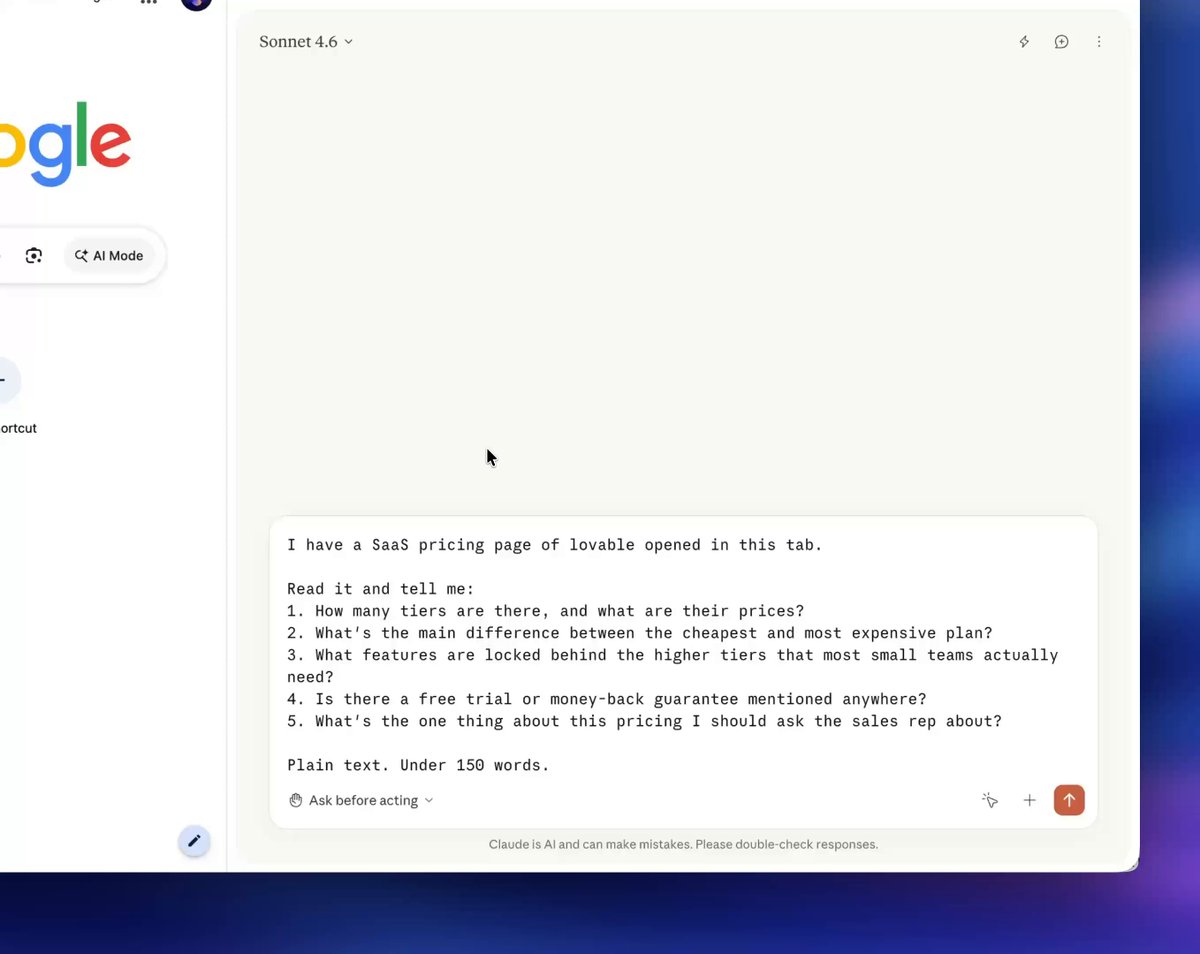
示例 1:在销售电话前理解一个定价页。
你马上要和某个 SaaS 供应商通话。对方定价页有 4 个套餐、 30 个功能勾选项,还有一堆星号注释。
打开他们的定价页,运行这个提示词:
I have a SaaS pricing page open in this tab.

Read it and tell me:
1. How many tiers are there, and what are their prices?
2. What's the main difference between the cheapest and most expensive plan?
3. What features are locked behind the higher tiers that most small teams actually need?
4. Is there a free trial or money-back guarantee mentioned anywhere?
5. What's the one thing about this pricing I should ask the sales rep about?

Plain text. Under 150 words.
工作流 2:收件箱分诊 + 促销邮件清理
节省时间:把一个周六下午压缩成 15 分钟。
你有 14000 封未读邮件。大部分都是噪音。你已经想清理两年了,但一直没做,因为手动处理像一整天的惩罚。
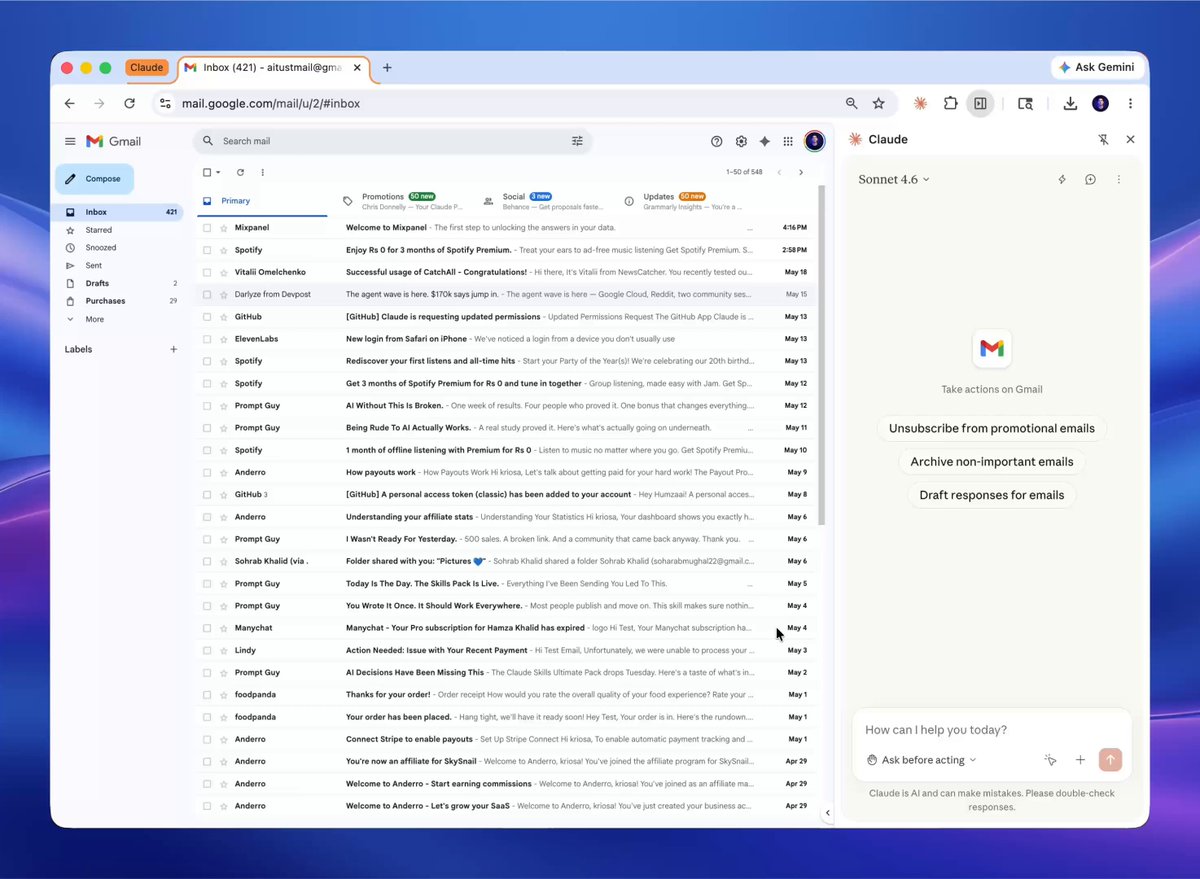
打开 Gmail,运行这个提示词:
I have Gmail open. Scan my inbox (Primary, Promotions, and Updates tabs)
for the last 90 days. Classify each sender into:

1. Promotional: Marketing, newsletters, sales blasts, coupon codes
2. Automated: Receipts, shipping updates, calendar notifications,
   order confirmations, password-change alerts
3. Signal: Emails from real people, or automated emails I likely need
   to keep (invoices, tax docs, legal notices)

Then:
- Build a list of the top 20 senders in buckets 1 and 2.
- Show me: sender name, email count in last 90 days, most recent date.
- For each sender, give one recommendation:
  "Unsubscribe and delete all" / "Keep but archive old" / "Review manually."

Do NOT delete or unsubscribe from anything yet. Wait for my approval.

Once I approve senders, mark all emails from them and move to Trash in batches.
For unsubscribes: click the unsubscribe link in their most recent email.
Pause before any action that sends an email on my behalf or changes account settings.
工作流 3:竞品研究 PPT(Chrome → Cowork 交接)
节省时间:把 3 天压缩成 2 小时。
你的 VP 要求周五前交一份竞争格局 PPT 。 5 个竞品,要有定价、功能、定位和近期更新。正常做法是:在标签页地狱里待 3 天,最后熬夜做一份差不多能看的 PPT 。
打开 5 个竞品 URL,运行这个提示词:
Research these 5 competitors and build me a comparison deck:
[URL 1], [URL 2], [URL 3], [URL 4], [URL 5]

For each competitor, visit their site and extract:
- Tagline/one-line positioning (from homepage hero)
- Pricing tiers (plan name, monthly price, top 3 features per tier)
- Top 5 features as listed on their features or product page
- Target customer (SMB, mid-market, enterprise — infer from the site)
- Most recent blog post or changelog (title, date, one-sentence summary)
- Any "why us" or comparison page they have

Save everything as structured JSON in a single artifact.

If a competitor hides pricing behind "Contact Sales," mark it as Custom.
Do not guess pricing. Pause for my review before the deck build.

Then hand off to Cowork in Claude Desktop and ask it to build a PowerPoint:
- Slide 1: Title slide "Competitive Landscape: [my product]"
- Slide 2: Positioning matrix (price vs. target customer size)
- Slides 3–7: One slide per competitor — logo, tagline, pricing table,
  top features, "what they do well / where they're weak"
- Slide 8: Side-by-side pricing comparison table
- Slide 9: Feature parity matrix (rows = features, columns = competitors)
- Slide 10: 3 recommendations on where we should differentiate
工作流 4:晚间会议准备
节省时间:每天每场会议省 10 分钟,长期有效。
你走进会议时还没准备好。上次聊到哪儿只记得一半。有人问了一个具体问题,你才想起应该提前读邮件线程。这种情况对职业表现的损耗,比看起来更大。
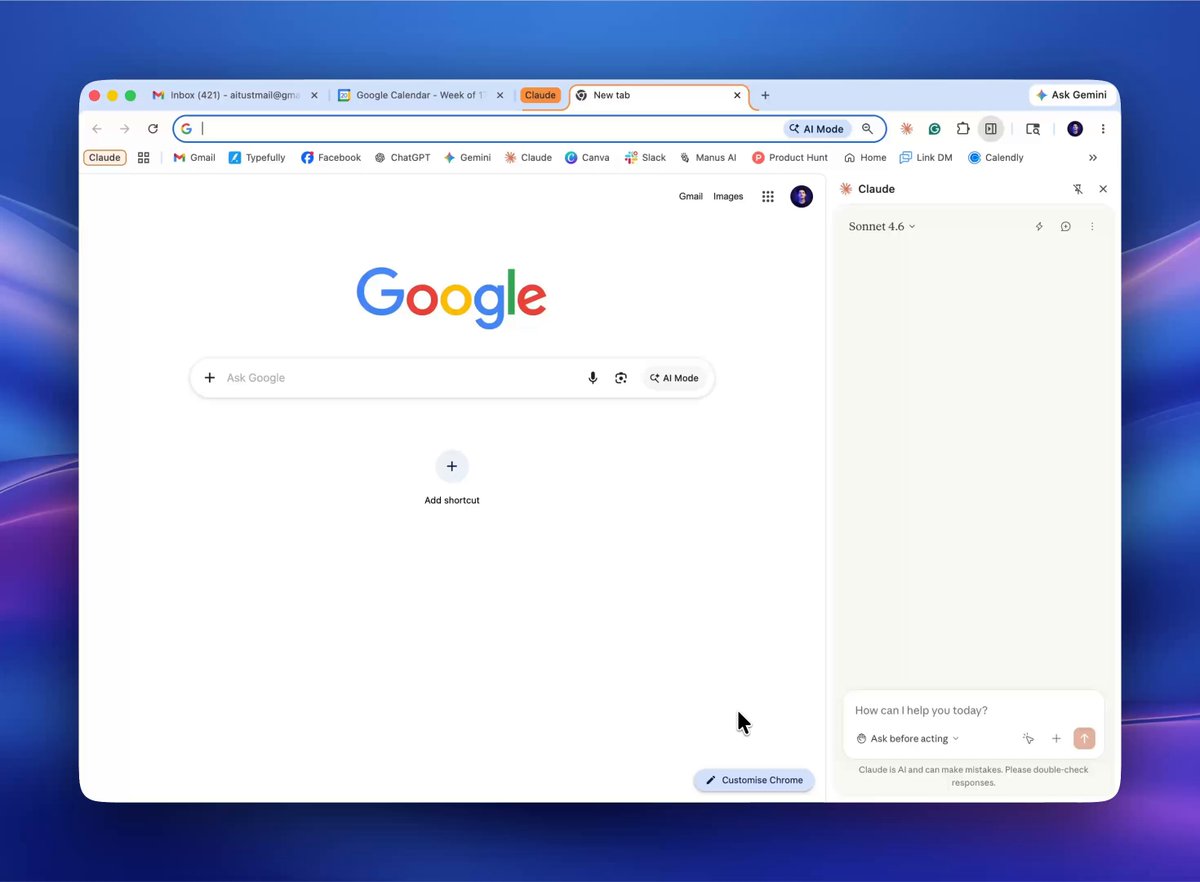
打开 Google Calendar 和 Gmail,然后运行这个提示词:
I have Google Calendar and Gmail open.
For every meeting on my calendar tomorrow between 8 am and 6 pm:

1. Read the event title, attendees, description, and any linked Google Docs.
2. If there's a linked agenda doc, pull the most recent 5 bullet points
   or action items.
3. Search my Gmail for the last 07 days of threads with each external attendee.
   Summarize the latest unresolved item from each thread in one line.
4. If I have any unsent drafts to those attendees, flag them.

Then build a single "Tomorrow's Prep" page with one block per meeting:
- Meeting title, time, attendees
- Context in 2 lines: what this meeting is for
- Last we left it: most recent decision or open question from email or the doc
- What I should bring up: 2 specific things where I owe someone an answer
- Open drafts: any unsent emails to attendees

Format as a clean page I can read in under 4 minutes.
Schedule this to run automatically every weekday at 6 pm.
工作流 5:Google Drive 清理
节省时间:省掉一个完整的周日下午。
“Untitled document”“Copy of Copy of Q3 plan”“Final FINAL v3”。每个 Drive 里都有这些东西。它们会繁殖。你一直忽略它们,它们继续占存储空间,也占脑子。
打开 Google Drive,运行这个提示词:
Open my Google Drive. Scan everything in "My Drive" (not Shared with me).

1. Identify all files named "Untitled document," "Untitled spreadsheet," etc.
   For each, open it, read the first 200 words, and suggest a real title
   based on the content.

2. Identify duplicates — same content, near-identical names like
   "Q3 plan" and "Copy of Q3 plan." Keep the most recently edited.
   Propose moving the others to a folder called "_duplicates."

3. Group all loose files at the root level into folders by inferred project.
   Use existing folder names where they fit.
   Propose new folders only when nothing fits.

4. Flag any document I haven't opened in 12+ months as an archive candidate.
   Don't move them yet — just list them.

Show me the full proposed plan as a single review page before touching any file.
I will approve in batches.
工作流 6:LinkedIn 内容研究冲刺
节省时间:每次写内容前省 1 到 2 小时手动研究。
写 LinkedIn 帖子之前,你需要知道哪些内容已经表现很好:哪些角度有效,受众最近在分享什么。大多数人跳过这一步,然后困惑为什么自己的内容没有效果。
打开 LinkedIn,运行这个提示词:
I have LinkedIn open. I want to write a post about [TOPIC].

Search LinkedIn for posts on this topic published in the last 7 days.
For each of the top 10 posts by engagement:

- Copy the first line (the hook)
- Record the approximate like/comment count
- Identify the content format (list, story, opinion, data drop)
- Note the one thing that makes the hook work

Then give me:
1. The 3 hook patterns that appeared most across high-performing posts
2. The 2 angles I haven't seen yet that could stand out
3. A suggested hook for my post using the best-performing pattern

Do not write my full post. Just give me the hook analysis and one suggested hook.
工作流 7:求职申请研究包
节省时间:每次申请省 2 到 3 小时。
在任何面试或申请之前,你都应该充分了解这家公司:最新消息、价值观页面的原话、招聘经理最近的 LinkedIn 帖子。
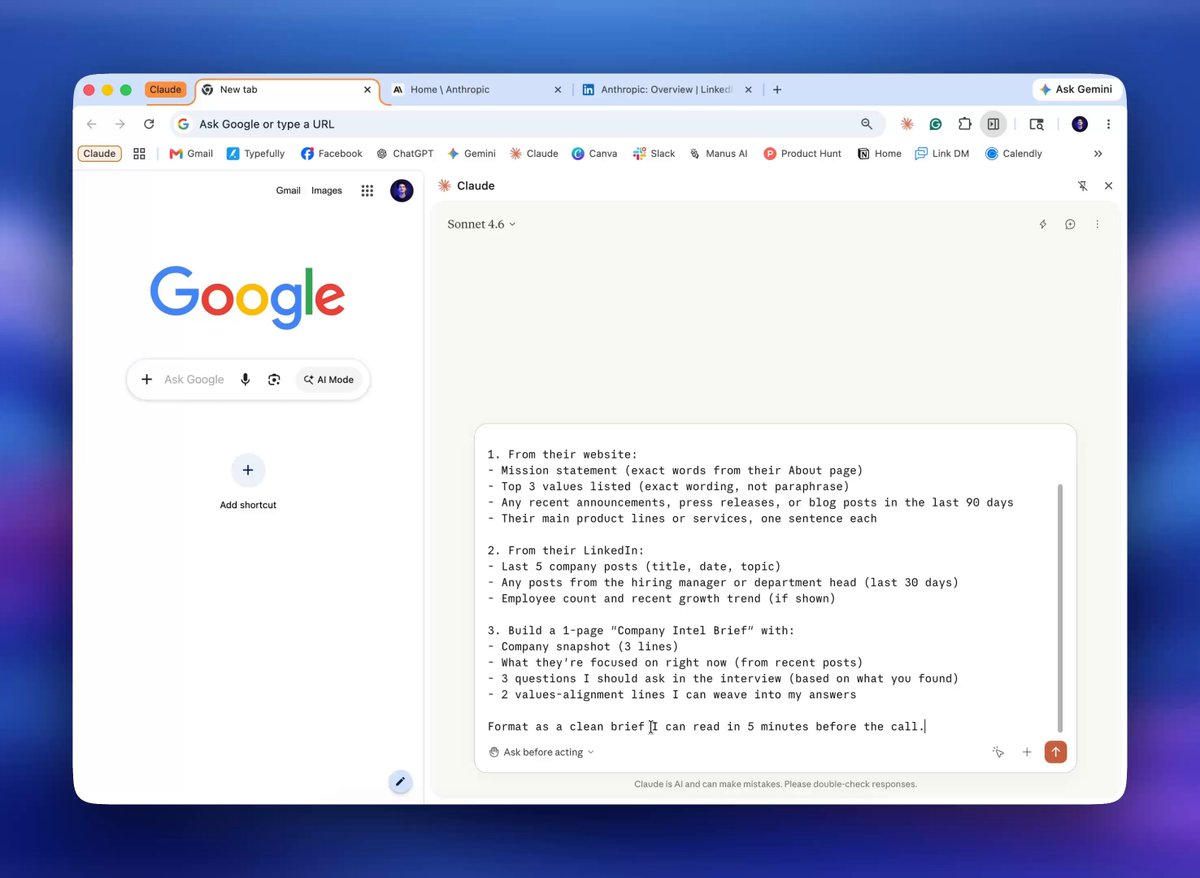
打开公司网站和 LinkedIn,然后运行这个提示词:
I'm applying to [ROLE] at [COMPANY]. I have their website and LinkedIn open.

Visit both and pull:

1. From their website:
   - Mission statement (exact words from their About page)
   - Top 3 values listed (exact wording, not paraphrase)
   - Any recent announcements, press releases, or blog posts in the last 90 days
   - Their main product lines or services, one sentence each

2. From their LinkedIn:
   - Last 5 company posts (title, date, topic)
   - Any posts from the hiring manager or department head (last 30 days)
   - Employee count and recent growth trend (if shown)

3. Build a 1-page "Company Intel Brief" with:
   - Company snapshot (3 lines)
   - What they're focused on right now (from recent posts)
   - 3 questions I should ask in the interview (based on what you found)
   - 2 values-alignment lines I can weave into my answers

Format as a clean brief I can read in 5 minutes before the call.
工作流 8:客户入职资料整理
节省时间:省掉 30 到 60 分钟来回沟通。
客户电话之前,你需要收集背景:他们的网站、社交账号、近期内容和竞品。通常你会在前一晚匆忙处理。
打开客户网站、 LinkedIn,以及他们分享的其他 URL:
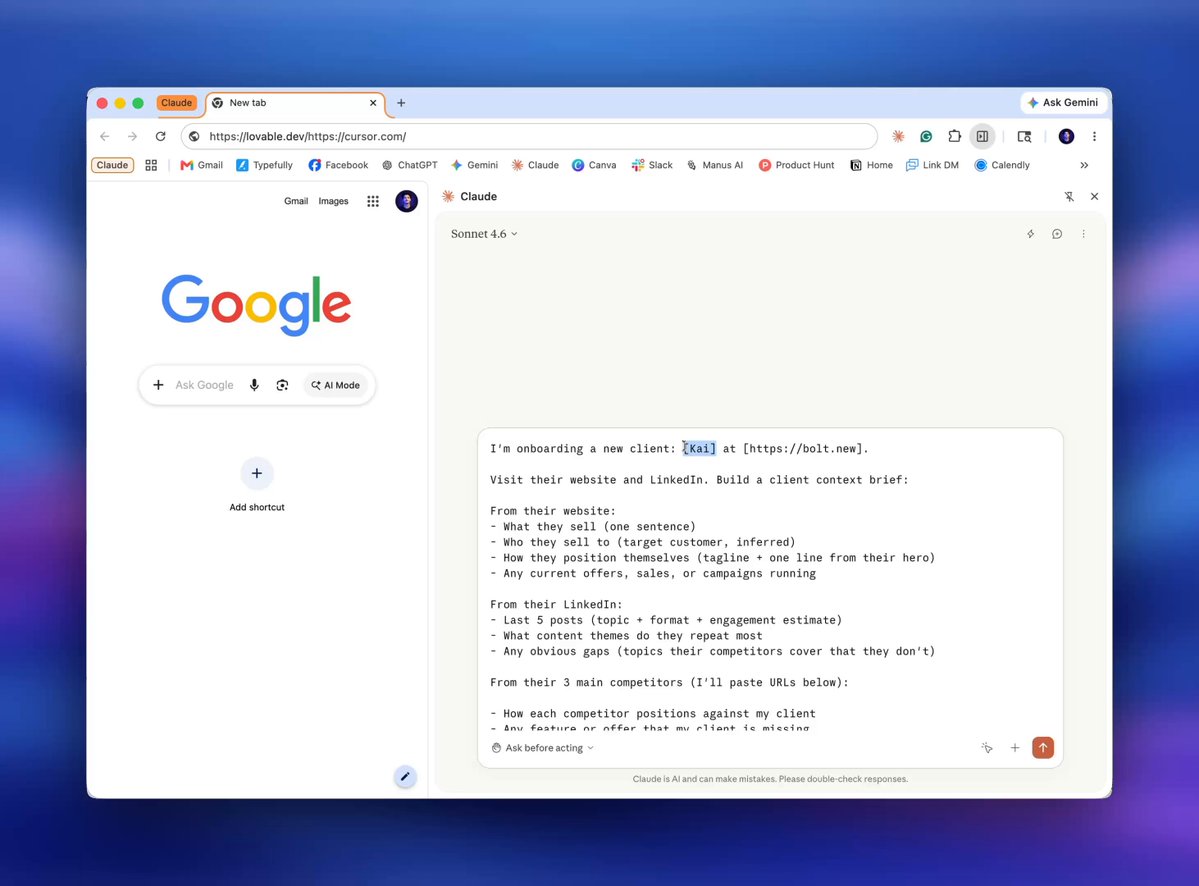
I'm onboarding a new client: [CLIENT NAME] at [COMPANY URL].

Visit their website and LinkedIn. Build a client context brief:

From their website:
- What they sell (one sentence)
- Who they sell to (target customer, inferred)
- How they position themselves (tagline + one line from their hero)
- Any current offers, sales, or campaigns running

From their LinkedIn:
- Last 5 posts (topic + format + engagement estimate)
- What content themes do they repeat most
- Any obvious gaps (topics their competitors cover that they don't)

From their 3 main competitors (I'll paste URLs below):
- How each competitor positions against my client
- Any feature or offer that my client is missing

Compile into a 1-page Client Brief that I can open 5 minutes before the call.
Include 3 "quick win" recommendations I can lead with in the first conversation.
继续之前,先停一下
大多数人会读完 10 个工作流,感觉很受启发,然后一个都不跑。
更好的做法是:只选一个。
选那个明天早上运行后,能给你省最多时间的工作流。
现在设置 Claude for Chrome 。只在那个单一工作流上跑一次。就这样。
每周一省 45 分钟,全年就是 39 小时。等于把一整个工作周拿回来了。
工作流 9:提案研究冲刺
节省时间:每个客户提案省 2 到 4 小时。
写提案之前,你需要比潜在客户自己更理解他们的处境:近期新闻、团队结构、竞争对手,以及从招聘和内容里能推断出的痛点。
打开潜在客户的网站、 LinkedIn,以及他们活跃的任何社交平台:
I'm writing a proposal for [PROSPECT COMPANY]. Their website is [URL].
They're a [company type] that sells to [target market].

Visit their website and any social profiles I have open. Then:

1. Identify the 3 biggest challenges they're likely facing right now
   (based on their content, news, and job listings — infer from what they're
   hiring for and what they're talking about)

2. Find their latest funding round, acquisition, product launch, or company news
   (check their blog, press page, and LinkedIn — last 6 months only)

3. Pull 3 quotes or statements from their leadership or company content
   that reveal their strategic priorities

4. Identify their top 2 competitors and note one thing about each competitor
   does better than them right now

5. Build a "Proposal Intelligence Brief" with:
   - Company context (3 lines)
   - The problem they're most likely trying to solve (your best inference)
   - 2 lines I can open the proposal with that show I understand their world
   - The single strongest reason they should hire me over anyone else
     (based on what you've found)

Format as a clean brief, under one page.
工作流 10:每周内容表现复盘
节省时间:每周五省 1 小时手动汇报。
大多数做内容的人发完内容,看一下点赞,然后就过去了。这算不上策略。成熟的内容运营会看什么有效、为什么有效,以及下周要加码什么。只是几乎没人有时间做。
打开 LinkedIn Analytics 、 X Analytics,以及你活跃的其他平台:
I have my LinkedIn Analytics and X/Twitter Analytics open in tabs.

For each platform, pull the last 7 days of content performance:

LinkedIn:
- Top 3 posts by impressions (post snippet, impressions, reactions, comments)
- Top 3 posts by engagement rate (same fields)
- Total impressions vs. previous 7 days
- Follower growth vs. previous 7 days

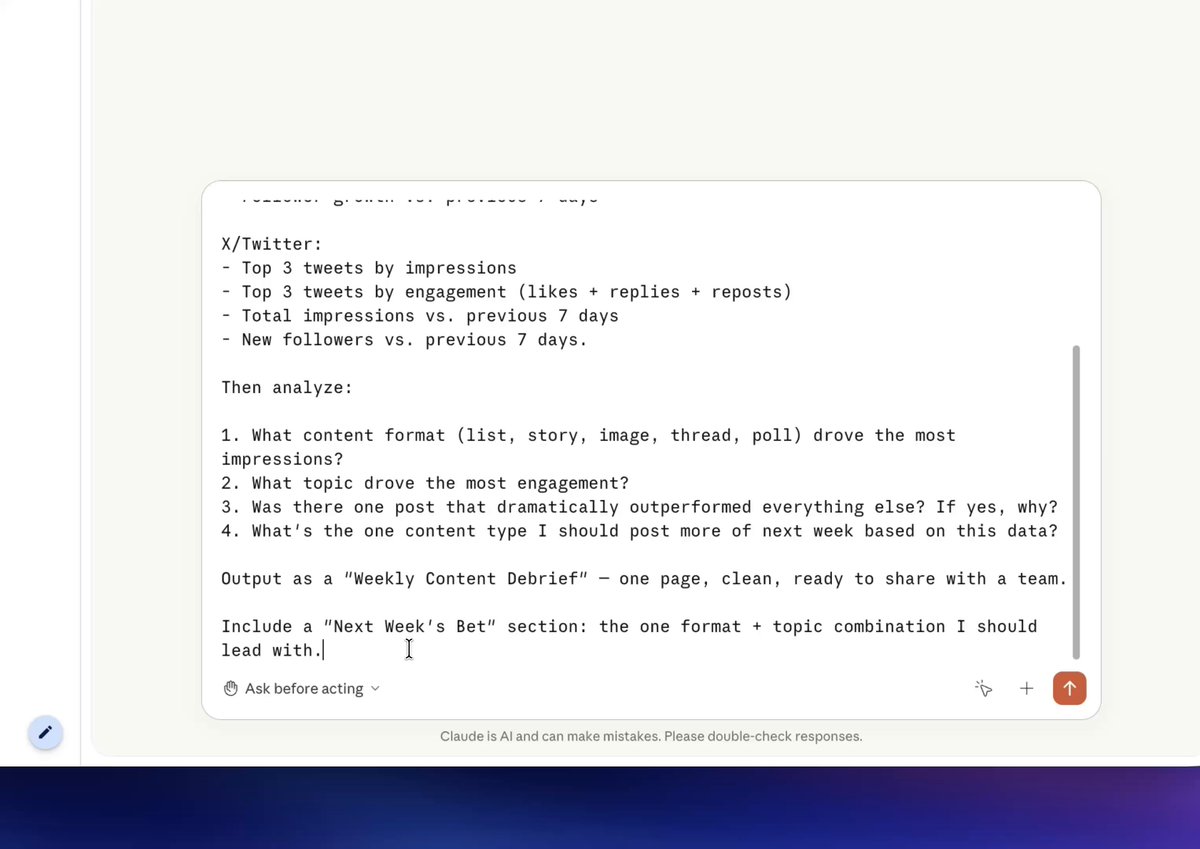
X/Twitter:
- Top 3 tweets by impressions
- Top 3 tweets by engagement (likes + replies + reposts)
- Total impressions vs. previous 7 days
- New followers vs. previous 7 days

Then analyze:
1. What content format (list, story, image, thread, poll) drove the most impressions?
2. What topic drove the most engagement?
3. Was there one post that dramatically outperformed everything else? If yes, why?
4. What's the one content type I should post more of next week based on this data?

Output as a "Weekly Content Debrief" — one page, clean, ready to share with a team.
Include a "Next Week's Bet" section: the one format + topic combination I should lead with.
如果这份清单有帮助,可以转给身边正在找这类内容的人。
这份清单就是这样增长起来的:读者把它转给和自己相似的人。
更多类似内容:@TheWhizzAI
Team Whizz 💙